Frictionless Event Data Migration

Switch event management platforms without losing your data or your nerve

Migrate your registrations, attendees, and live events to Accelevents with a team that does the heavy lifting with you not a help doc that leaves you on your own.

Event teams have moved to Accelevents from Cvent, Bizzabo, Whova, Eventbrite, Hopin, vFairs, EventMobi, and other event management tools. Whatever event planning software you're leaving behind, we've likely seen it before.

g2 badge linking to list of online platforms containing remo, vfairs, Accelevents and other event platforms
capterra badge pointing to event and ticket sales platforms lists containing vfairs, bigmarker and other virtual platforms
Book a demo
Event team planning a switch to new event management software and reviewing their data migration timeline

We built our migration process around your fears

Most event teams stay on platforms they've outgrown — not because they love it, but because moving sounds painful. Here's what we hear, and how we handle it.

Your data stays intact

Live events keep running

Payments carry over

Nothing gets rebuilt

Whether you're running in-person events, virtual events, hybrid events, or trade shows — you get a dedicated team, a clear plan, and a transition timed around your calendar.

Keep your live, in-flight events running through the switch

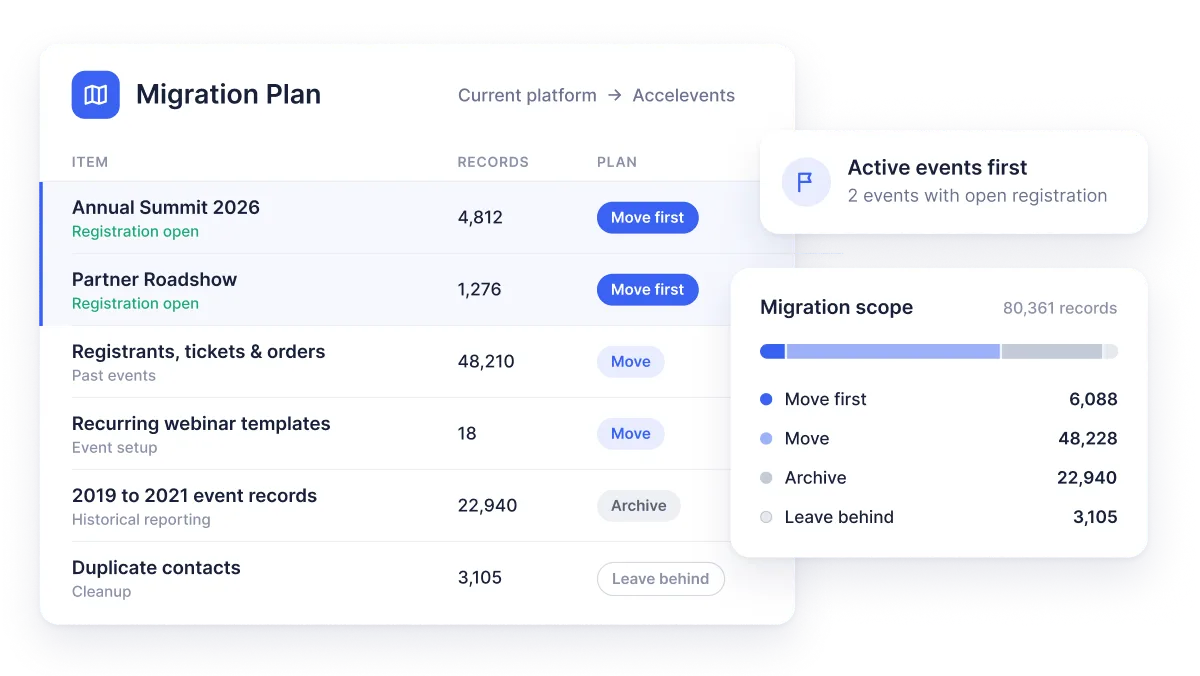
The scariest part of switching event management software is usually the events already open for registration and ticketing. We handle those first. We replicate your active registration pages on Accelevents, move over everyone who's already registered, and pick up exactly where you left off.

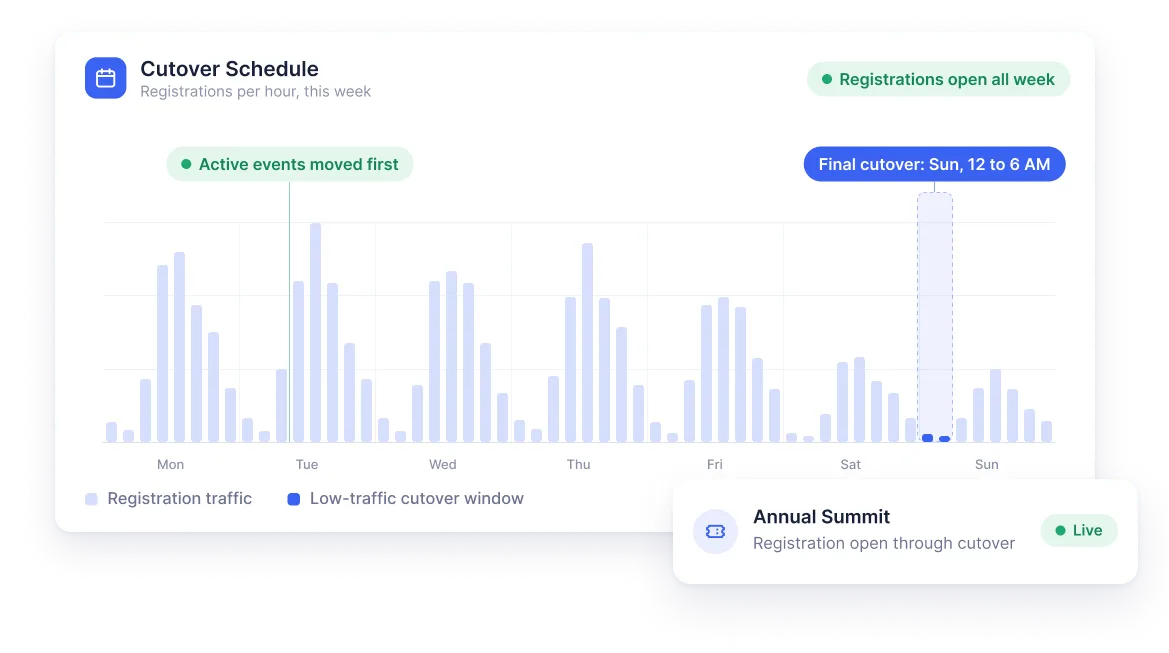
For attendees who've made partial payments, we carry over what they've already paid and continue sending balance reminders — so your finance team never loses the thread on payment processing. When you're ready, we pick a low-traffic cutover window and flip the switch. No gap, no lost registrations.

Paula M. Program Operations Manager, Education Management

g2 badge linking to list of online platforms containing remo, vfairs, Accelevents and other event platforms
capterra badge pointing to event and ticket sales platforms lists containing vfairs, bigmarker and other virtual platforms

Everything that moves with you

A complete data migration means more than attendee names in a spreadsheet. Here's what we handle as part of every transition:

bullet point
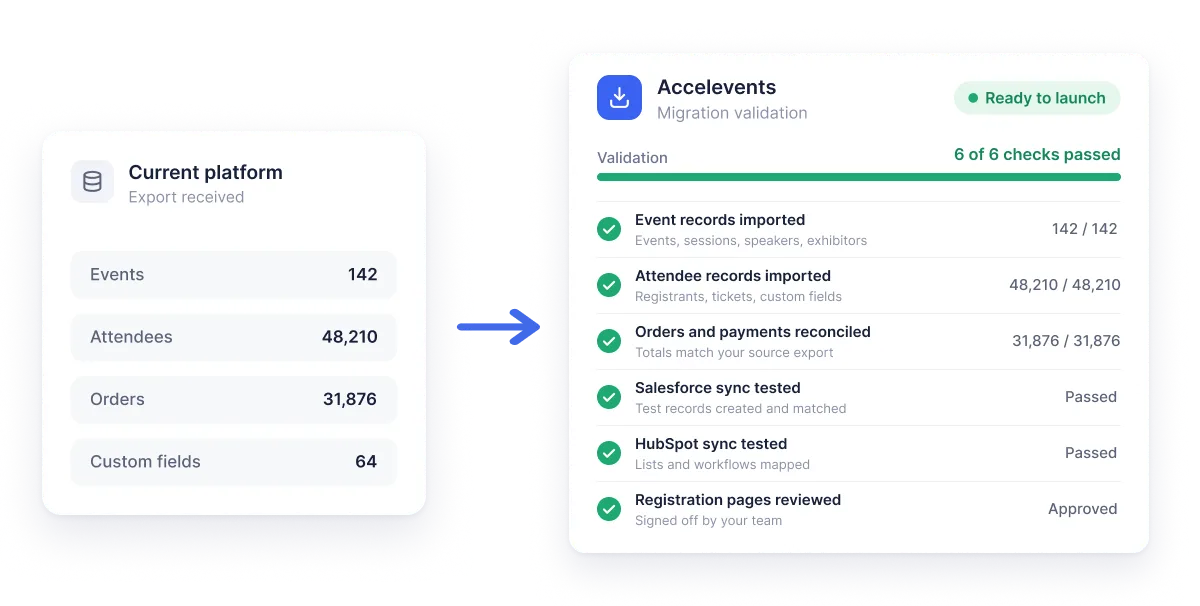
Registration and ticketing data: every registrant, ticket type, promo code, payment record, and order from your active events, imported and validated before your cutover date.
bullet point
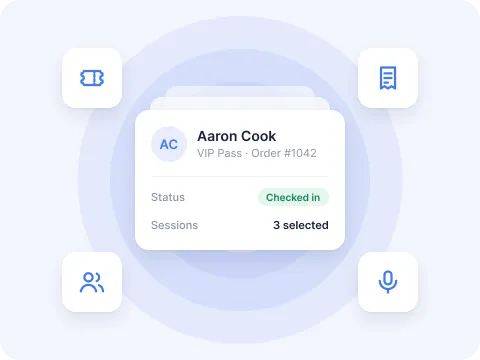
Attendee management records: contact details, custom field responses, session selections, and guest information, exactly as you need them in the new platform. before your cutover date.
bullet point
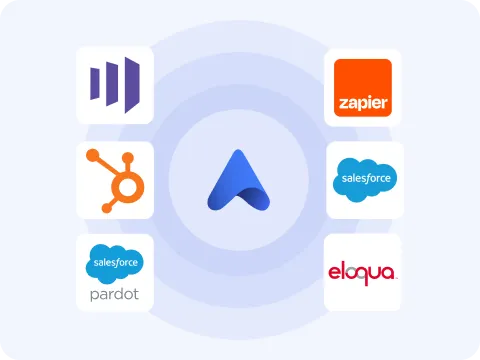
CRM and integration connections: your Salesforce, HubSpot, and other CRM integrations are rebuilt and tested before your first live event goes out the door. Your event marketing workflows and real-time analytics keep running without a gap.
bullet point
Event apps and mobile experience: your branded mobile event app, session schedules, speaker profiles, exhibitor listings, and attendee engagement tools including live polling and matchmaking.
bullet point
Historical reporting access: we help you export the records your accounting and project management teams need before your old contract ends, so nothing gets cut off when access closes.

Bring your data over with a team that does it with you

You're not handed an export button and wished good luck. We pull your registration, attendee, speaker, and exhibitor data — via CSV or our native Cvent integration — and import it for you, walking your team through the process so you're self-sufficient afterward.

You decide what comes across. Many teams use the data migration as a chance to leave messy, duplicate-ridden contact records behind and start clean, while keeping full access to historical reports they need for accounting and planning. We help you export and preserve that history before your old contract lapses, so no record gets "cut off" when access ends.

Don't redo months of setup — we templatize what you've built

Switching event planning software shouldn't mean rebuilding from scratch. Your headers, footers, CRM integrations, and recurring events can be templatized in Accelevents, so events you run year over year spin up in minutes instead of from a blank page.

Your existing Salesforce and HubSpot connections come along too, so the systems your team already relies on keep working without interruption. Associations, higher education institutions, and corporate event teams with 10, 30, or 80+ events a year use this to turn what was a month of setup into an afternoon.

Real humans, on call, through the entire transition

21

SEC
AVG RESPONSE
TIME

8

min

23

SEC
AvG resolution
time

99.4

%
CSAT
in chat

99.99

%
90 day platform
uptime

Bernadette S. Meetings Manager
Switched from Cvent

g2 badge linking to list of online platforms containing remo, vfairs, Accelevents and other event platforms
capterra badge pointing to event and ticket sales platforms lists containing vfairs, bigmarker and other virtual platforms

Request A Demo

See your migration mapped out, not just the product

In your demo, we'll walk through exactly how your data and live events move to Accelevents.
A migration plan scoped to your platform, your data, and your event calendar
Answers to your data transfer, integration, and cutover questions
A clear picture of what your team's first live event looks like on Accelevents
accelevents demoaccelevents demoaccelevents demo

FAQ

We've helped teams move to Accelevents from Cvent, Bizzabo, Whova, Eventbrite, Hopin, vFairs, EventMobi, and other event management systems. If your current platform isn't on that list, reach out — we've likely seen something similar and can walk you through exactly what a migration from your setup looks like.

We handle those first. We replicate your active registration and ticketing pages on Accelevents, import everyone who's already registered, and carry over partial payment records so your finance team can pick up without interruption. We time the cutover to a low-traffic window so attendees never notice the change. Your events keep running — they just run on Accelevents.

complete data migration covers your registration and attendee management records, ticketing data, speaker and exhibitor information, CRM connections (Salesforce, HubSpot, and others), and your historical reporting exports. You decide what moves over. Many teams choose to leave messy legacy contact records behind and start fresh on Accelevents, while archiving historical data externally for accounting and future event marketing reference.

Most teams are fully operational on Accelevents within a few weeks of kickoff, depending on the size of your event program and how many live events are in flight. We scope the project with you upfront, assign a dedicated account manager and customer success manager, and run training sessions with your team before your first event goes live. You'll know exactly what to expect before anything moves.

That's completely valid — and it's what many teams prefer. If your current event management software has been acting as your CRM, years of duplicate entries and stale records can follow you into a new platform if you let them. We help you export and archive everything you need for accounting, compliance, and historical reference before your old contract ends. Then you start on Accelevents with clean data.

All three. Accelevents runs in-person events, virtual events, and hybrid events from the same platform — so whether you're running trade shows, annual conferences, or a mix of formats throughout the year, everything migrates into one system. You don't need separate event planning software for each format.

Your dedicated account manager and technical customer success manager stay with you well beyond go-live. And our 24/7 support team — staffed by real people, not bots — averages an 18-second response time whenever something comes up during a live event. The support doesn't stop when the migration does.