Abstract Management Software
Streamline Your Call For Speakers with All-In-One Abstract Management Software
Efficiently collect, review, and publish speaker applications, ensuring that your event content meets the highest standards.
Book a demo



Efficiently collect, review, and publish speaker applications, ensuring that your event content meets the highest standards.

Capture all the essential information with customizable and user-friendly submission tools.

Evaluate submissions effectively with a structured, collaborative review process.
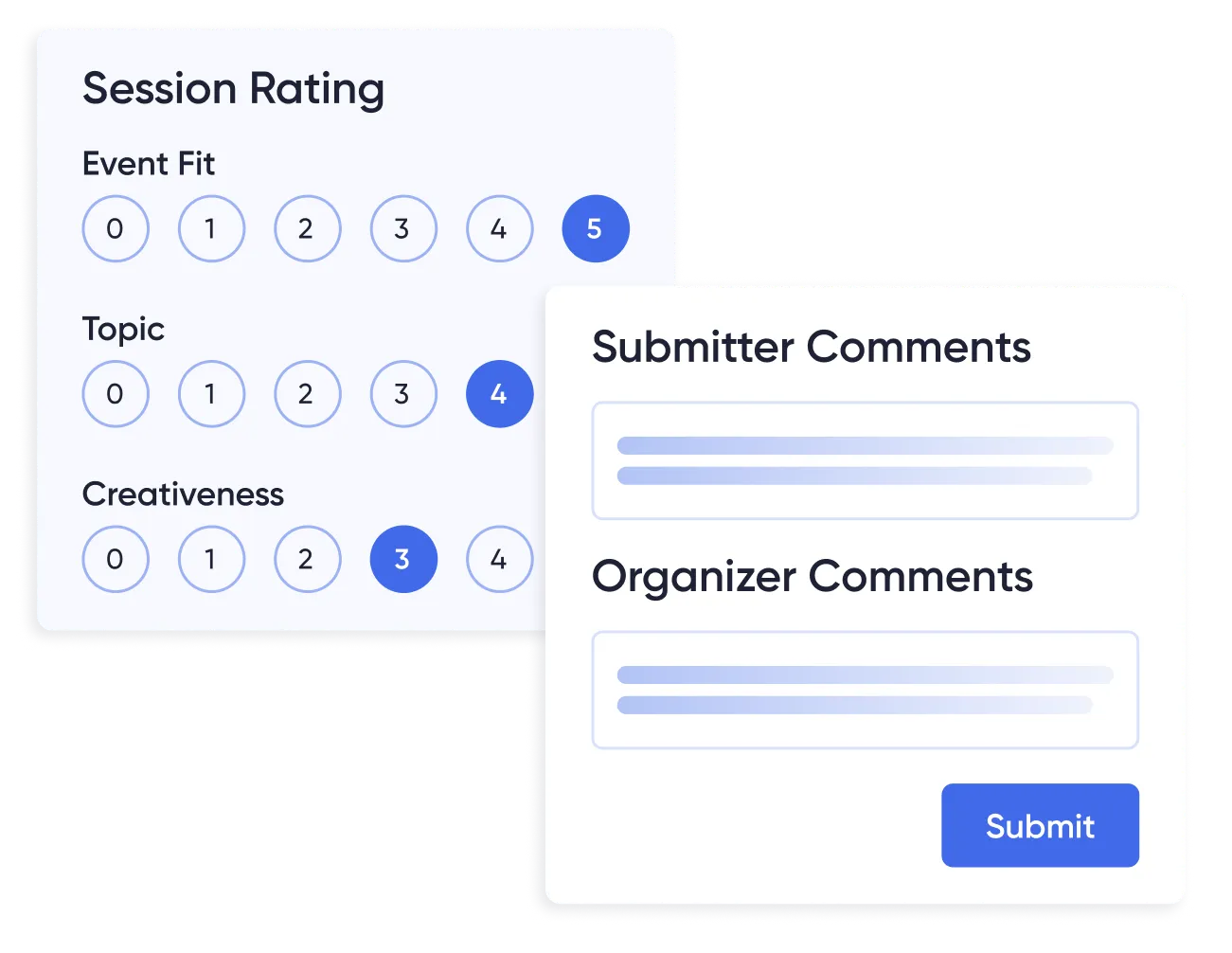

Make informed decisions quickly and keep all participants in the loop with automated notifications.
Effortlessly publish and maintain a comprehensive, multi-track event agenda tailored to the complexity and size of your event:


Gain deep insights into which sessions and speakers resonate most with your target audience and use this data to optimize future events:


Abstract management software collects, reviews, and schedules the session proposals people submit to your conference. It gives submitters a form to complete, gives your program committee a place to score what comes in, and turns accepted proposals into agenda sessions. In Accelevents those three steps run in the same system as your registration, agenda, and event app, so accepted content does not have to be exported from one tool and re-entered in another.
Turn on session submissions and a Call for Sessions block appears on your event site, along with a direct link you can drop into your call for papers email. Add an introductory page covering your themes, tracks, and deadlines, build the submission form around the questions your committee will actually score, then close the call with one toggle when the deadline passes. For how to set your formats, tracks, and decision criteria before you build the form, see our guide to managing speaker applications and abstracts.
Submitters open the link, complete the form, and send it. No account is required to submit. If they want to save a partial submission and come back to it, they create an account and pick it up from My Applications, where they can also check the status later. Each submission covers the session details and the speaker details, and you set the maximum number of additional speakers one applicant can add. You choose which file types they can attach, how many files, and the size limit per file.
Yes, in three ways. Assign by hand from either side, reviewer to sessions or session to reviewers. Import a reviewer list by comma-separated values (CSV) file. Or write matching rules that pair submissions to reviewers automatically, for example routing everything tagged with a given topic to the reviewers who asked for that topic. You can cap how many submissions each reviewer receives and freeze anyone sitting out a round. Reviewers score in their own portal against a rubric you define, can recuse themselves from a submission, and a proposal moves to Review Complete once every assigned reviewer has scored it. Blind review hides the submitter's name.
Format is a question you define on the submission form, not a fixed list. Add a dropdown covering posters, workshops, panels, lightning talks, or whatever your program uses, and route each answer to its own review form, so posters get scored on different criteria than keynotes. Poster files, images, and PDFs attach through the form's upload field. Accepted submissions become standard agenda sessions rather than a separate poster object, so poster presentations sit in the agenda with everything else and you separate them by track.
Approving a submission creates the session in your agenda as a draft and attaches the speakers to it. The session lands in the first hour of the event with the duration the submitter requested, so you move it into its real slot before publishing. Applicants get an acceptance, waitlist, or decline email you can edit or switch off. Once you edit the session, the change carries to your event site and app without a second entry. Approval is final, so use the waitlist and preliminary approval statuses while the program is still moving.
A call for speakers is an open invitation to propose sessions for your event, with a submission form, your themes and tracks, and a deadline. It works the same way as a call for papers or call for abstracts. In Accelevents, turning on session submissions adds a Call for Sessions section to your event site and gives you a direct link to share.
Yes. Turn on Enable Blind Review in your session settings and reviewers no longer see who submitted each proposal. They still see the session title, description, and answers to your custom questions, and score them against the rubric you define. Reviewers can also recuse themselves from any submission they shouldn’t evaluate, which removes them from that proposal automatically.
No. Session submissions, reviewer workflows, and blind review are part of the Accelevents Enterprise and White Label plans rather than a free standalone tool. Because abstracts run in the same platform as registration, the agenda, and the event app, there’s no separate abstract tool to buy or connect. Visit the pricing page for plan details.


