Event Website Builder
Stunning Design, Total Control
Design and build the perfect website for your event. The power to make every change is in your hands.
Book a demo


Design and build the perfect website for your event. The power to make every change is in your hands.

Registration data flows from your tech stack to Accelevents and back in real-time. We offer native integrations, Zapier, webhooks, and an API to build custom integrations.

Create adaptable designs that look great on any device.

Our website builder works seamlessly with our registration and check-in functionality.
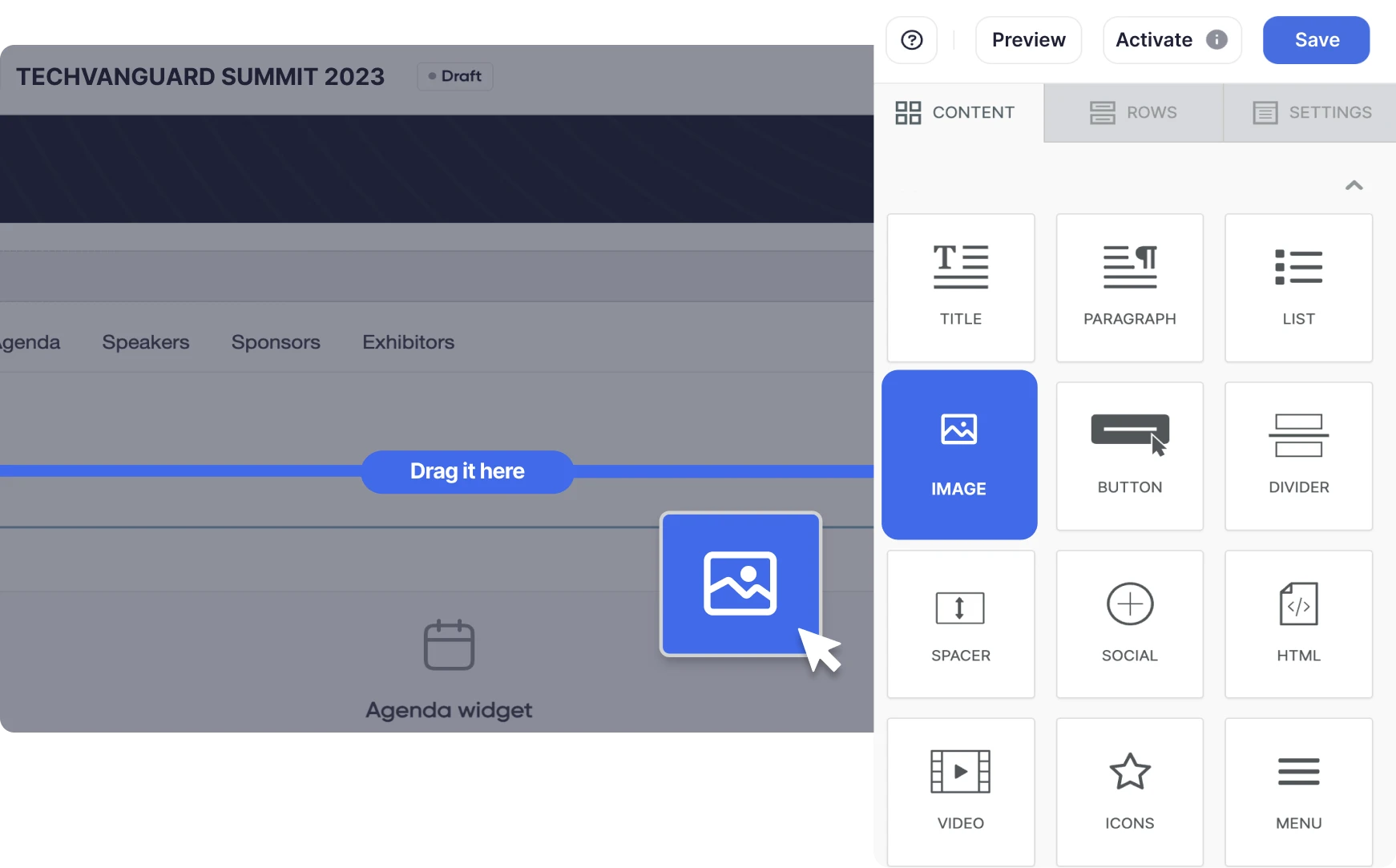
Harness the power of our drag-and-drop functionality. Design pages for any event format: in-person, virtual, or hybrid. No coding is needed, just your creativity.
Design multiple page versions and choose which goes live. Craft unique pages for different ticket types, maximizing your event's conversion potential.


Set our widgets up once, and they'll automatically update your event page whenever your agenda or speakers change.
Create unique landing pages to sell sponsorship and exhibitor packages or manage speaker applications.
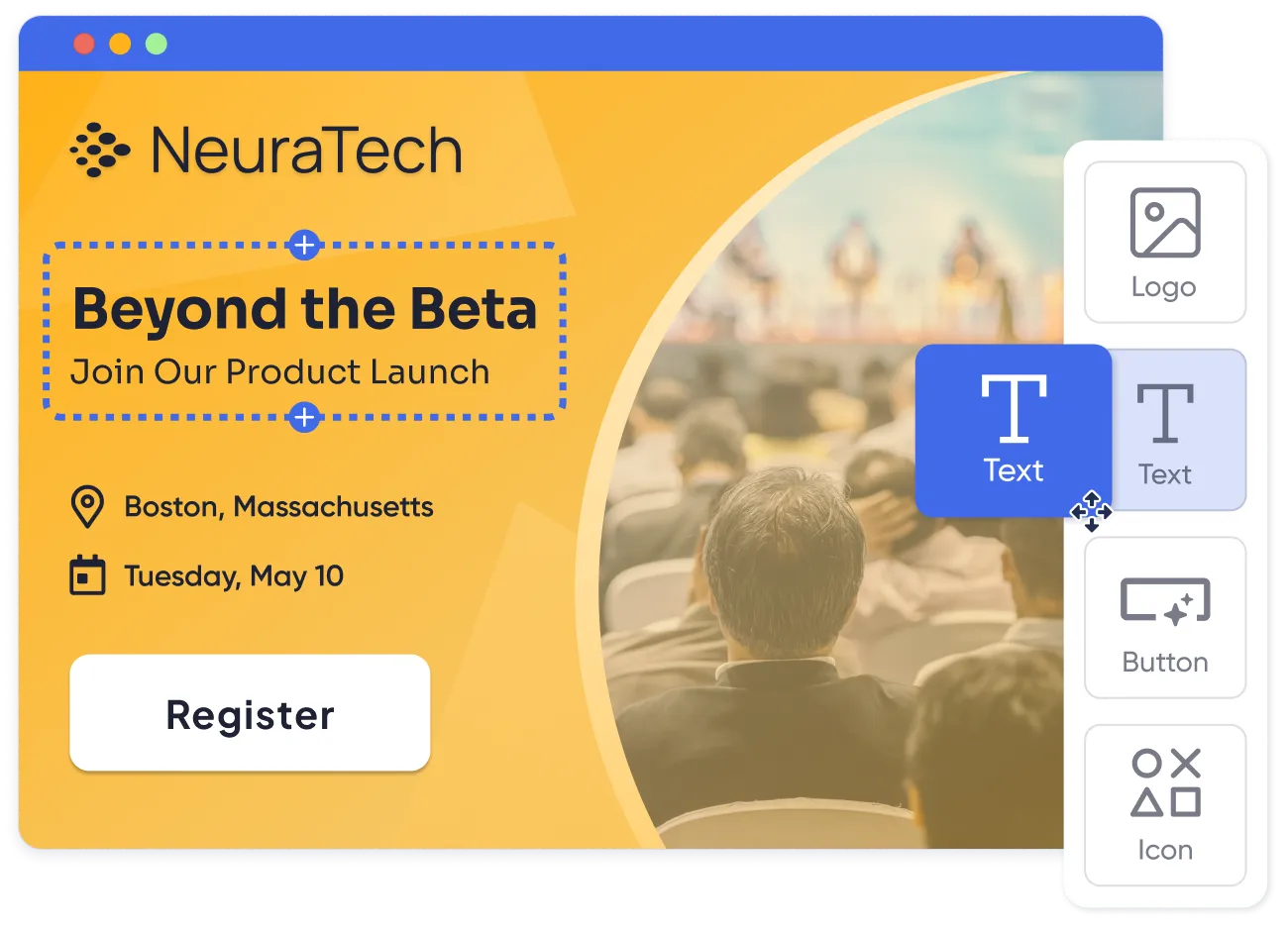

Make your page pop without knowing code. For even more customization, inject custom JavaScript and CSS effortlessly. You can even add your own fonts.

Design once, save your template, repeat.

It's your event and your brand. Host on a custom domain to ensure brand consistency and trust.
Pick from our library of conversion-optimized event website templates or create your own.


Experience fast load times for both desktop and mobile.

Engineered for SEO and optimized for google event discovery.

24/7 protection keeps your site and user data safe.

Built for reliability on the world's largest hosting provider so that you can sleep at night.


Add RSVP forms, dynamic widgets, and even floor plans to make your site more engaging.
Our website design tools are part of our user-friendly, integrated event platform. We support in-person events and virtual events; each event can have its own event homepage with its unique event details.
Our event management software supports any type of event, from conferences and trade shows to workshops and webinars.
Our website builder works hand-in-hand with our event registration to provide a smooth user experience:
Our platform facilitates SEO optimization by supporting Google's Event Structured Data to make your events easily discoverable via Google Search and Google Maps.
Our website builder is offered as part of one of our event plans. Visit the pricing page to learn more.
Yes! You can add custom JavaScript to your site, override any CSS, and upload your own custom font.
Explore our white labeling options to learn how to fully brand your event website, event marketing emails and mobile apps.
Ask our team! Our migration service can assist with rebuilding your existing website in the Accelevents event page builder.
Yes. Start from a blank page or one of the Accelevents event website templates, including layouts for conferences and webinars with embedded registration. You can also save your designs as templates, so your team reuses the same layout across events instead of rebuilding each site from scratch.
Create your event in Accelevents, open Event Design, then Event Website, and choose a template or a blank page. Drag in widgets, text, images, and registration forms, preview on desktop and mobile, then activate the page and set it as your Event Home Page. The drag-and-drop builder is available on Enterprise and White Label plans.
An event website should include the event name, date, and location, a clear registration button, the agenda, speakers, sponsors, venue and travel details, and FAQs. In Accelevents, agenda and speaker widgets update automatically when that information changes, so the site stays accurate without manual edits.
Yes. Build as many event landing pages as you need, each with its own URL, such as pages for specific ticket types, sponsor and exhibitor packages, or speaker applications. You can also design multiple versions of a page and choose which one goes live, so you can prepare a new layout without changing your live event home page.


