Analyze Your Event Data with the Accelevents MCP Connector

Ask Your Event Data Anything

Connect Accelevents to Claude for AI-powered event data analytics in plain language. Ask questions about registrations, ticket sales, revenue, sessions, speakers, sponsors, exhibitors, and more, with answers pulled directly from your live event data.

Included for all Accelevents customers.

Book a demo
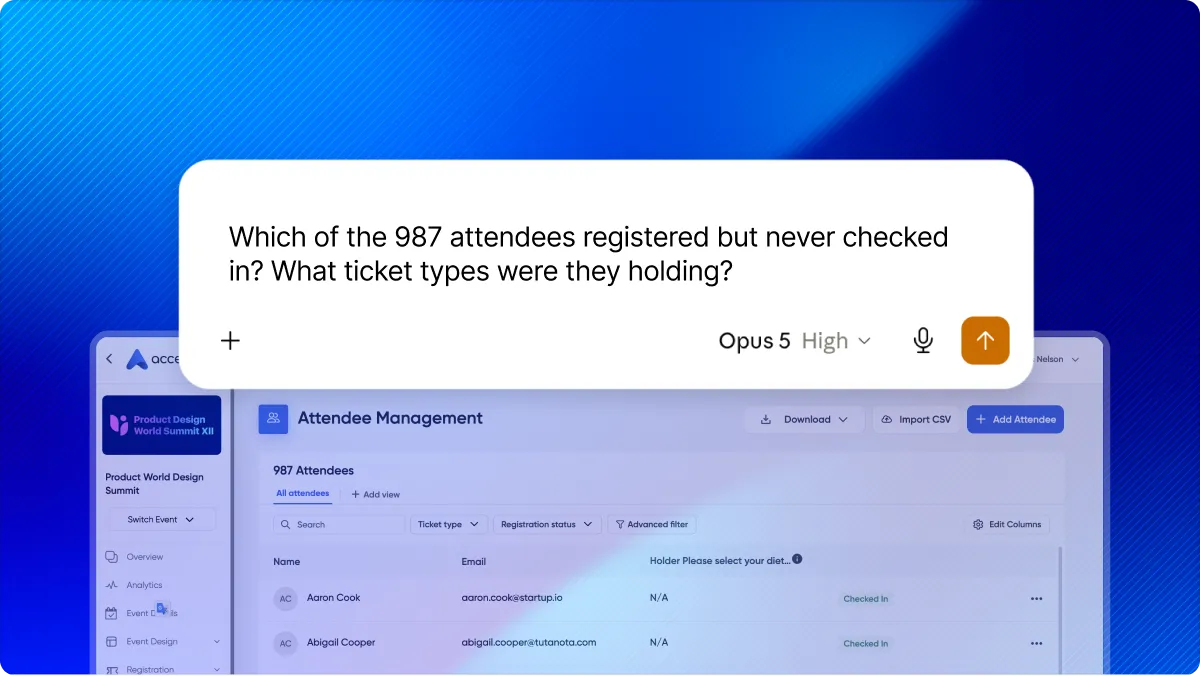
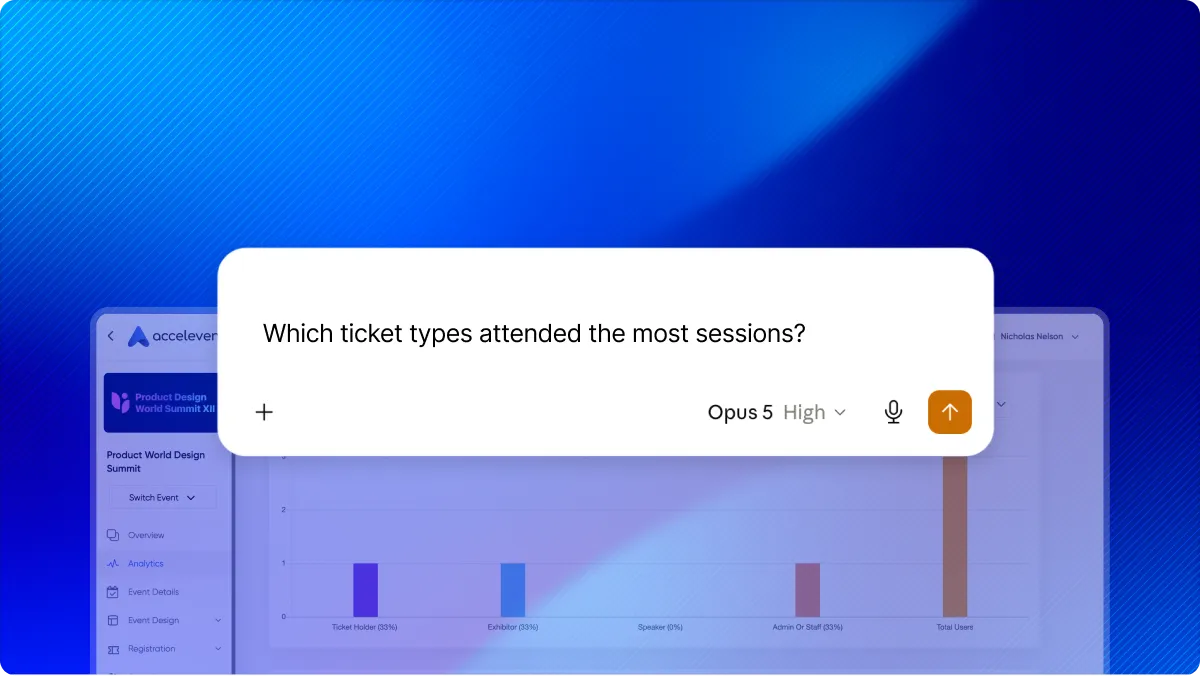
Claude prompt asking which registered attendees never checked in, shown over the Accelevents attendee list to illustrate AI event data analytics
Plain-language question to Claude in place of a fixed event reporting dashboard, shown over Accelevents session analytics

Start With Your Question, Not a Report

Most event reporting starts with a fixed dashboard. Someone has already decided which metrics belong together and which questions the report should answer. That works until the question you have isn’t one the report was built for.

With the Accelevents MCP Connector, you don’t have to reshape your question to fit a pre-built report. Start with what you want to understand, and Claude pulls together the relevant event data and summarizes it in plain language.

Reconcile Revenue in Minutes, Not Hours

Some of the most valuable revenue questions are also the hardest to answer. How many orders are still unpaid or partially paid? Who are the buyers? Are any attendees holding duplicate tickets? What is net revenue after refunds across every payment method?

Ask Claude and get the answer along with the underlying detail. When you need to share the results or work with them elsewhere, export the data as a CSV.

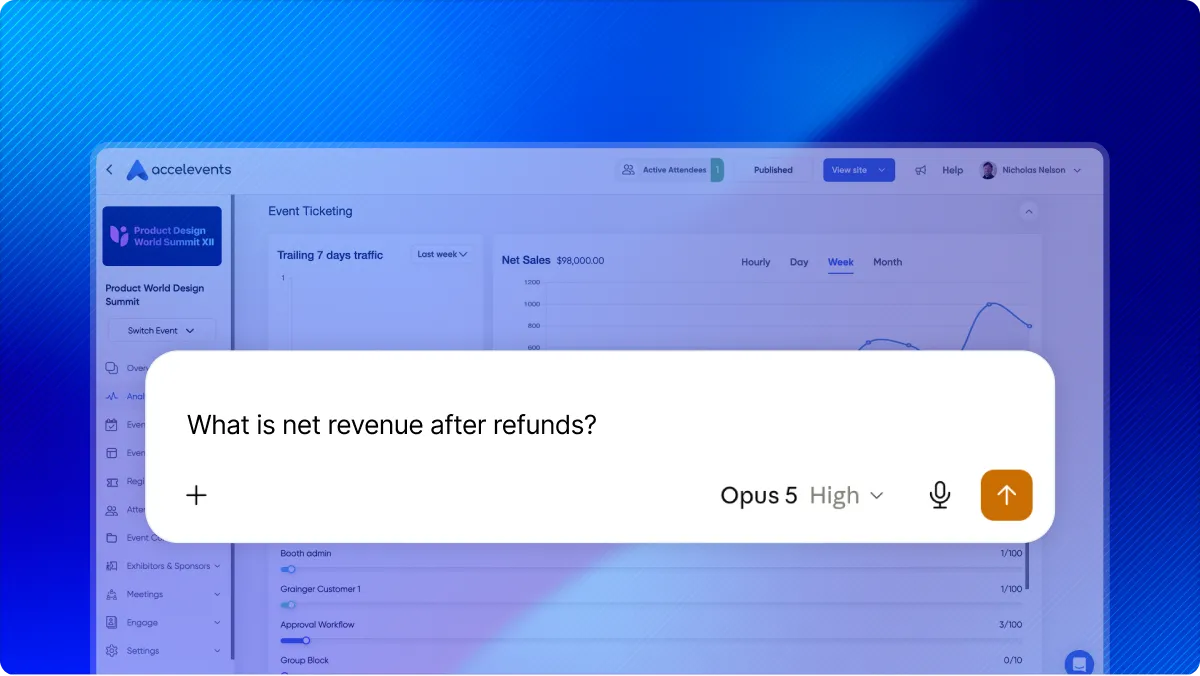
Claude prompt asking for net revenue after refunds, shown over the Accelevents ticketing and net sales dashboard
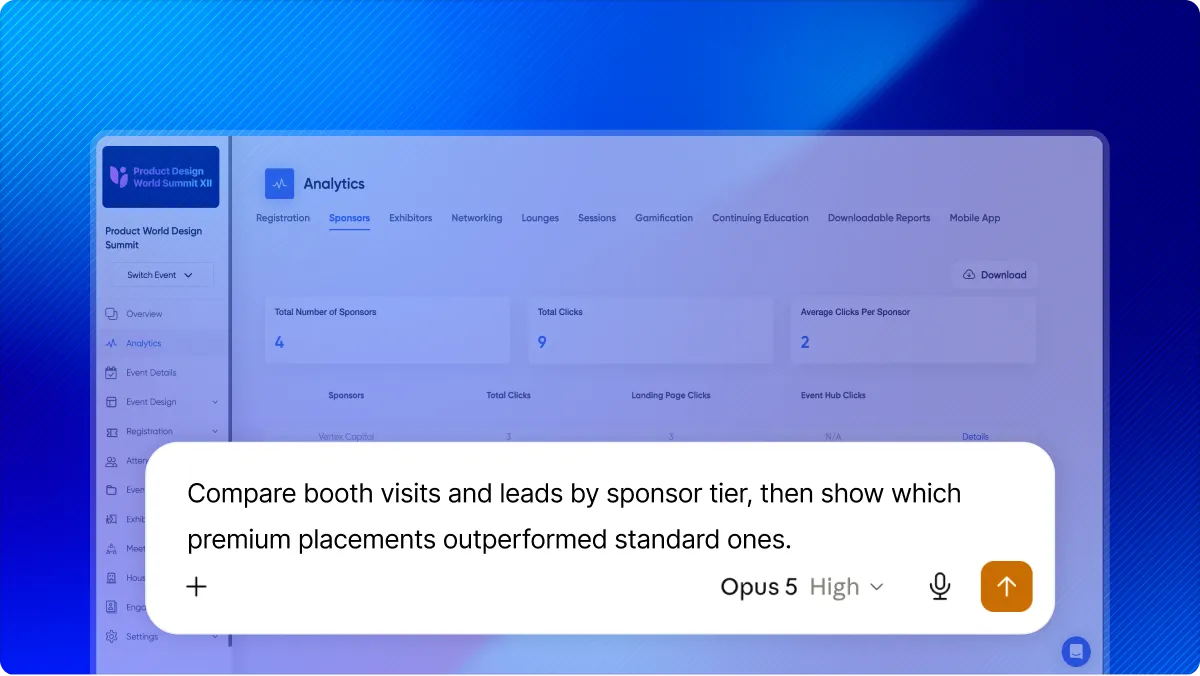
Claude prompt comparing booth visits and leads by sponsor tier, shown over the Accelevents sponsor analytics dashboard

Prove Sponsor and Exhibitor Value

Sponsors and exhibitors aren’t buying attendance totals. They’re investing in access, engagement, and results.

The Accelevents MCP Connector brings sponsor, exhibitor, booth, placement, and lead data together so you can ask more meaningful questions. Which sponsor tier generated the most engagement? Did premium placements outperform standard ones? How did lead counts vary by booth size? Where did booth visitors come from?

Use those answers to improve your next event’s packages, pricing, and floor plan.

Plan Your Next Event With Evidence

Room assignments, session timing, and capacity decisions are often based on what someone remembers from the last event. Experience still matters, but historical event data can make those decisions more informed.

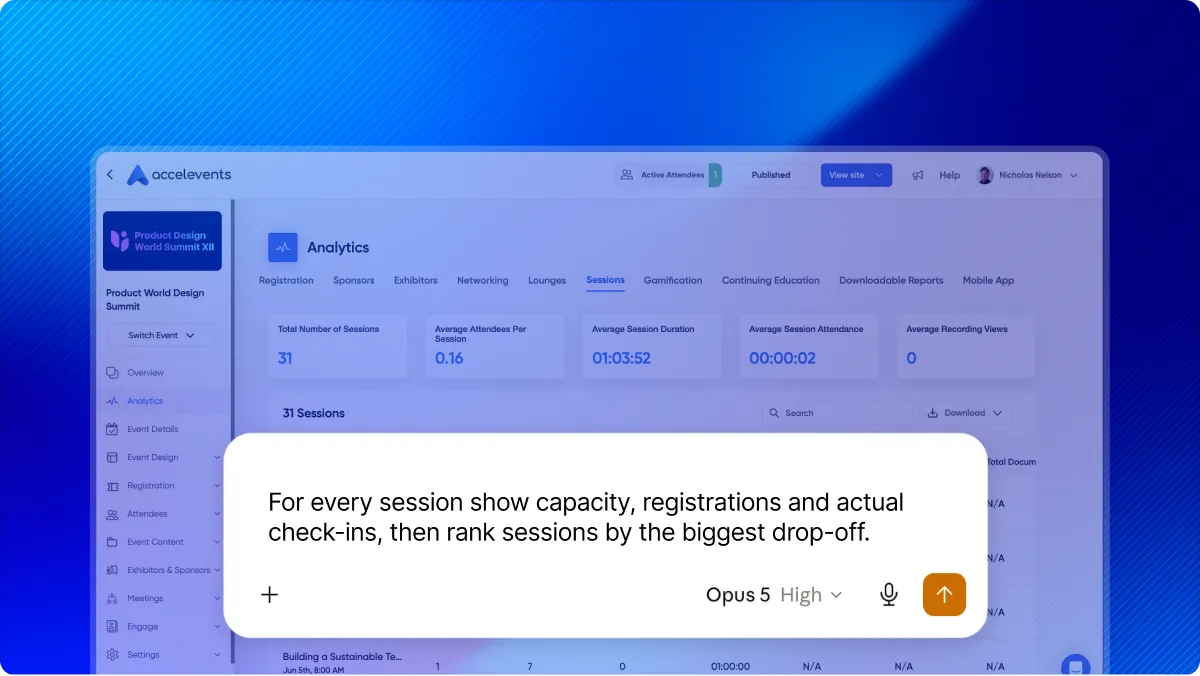
Ask Claude to compare capacity, session registrations, and actual check-ins from any past event. A session with 300 registrations and 290 attendees shows that interest carried through. One with 300 registrations and 90 attendees shows that it didn’t. That gives you a clear reason to look more closely at timing, competing sessions, or audience fit.

Event analytics request to Claude comparing session capacity, registrations, and actual check-ins to rank sessions by drop-off
Accelevents integrations for sharing event data with HubSpot, Salesforce, Marketo, Eloqua, Zapier, Slack, Zoom, Stripe, and Google Analytics

Connect Event Data to the Rest of Your Stack

Event data becomes even more useful when you can analyze it alongside information from other systems. If your CRM also connects to Claude, you can ask questions using information from both sources: Which registrants from target accounts are connected to open opportunities? How does event engagement relate to pipeline?

‍Accelevents also offers native integrations with HubSpot, Salesforce, and Marketo, along with Zapier and a full API, so event data can flow into the tools your teams use every day.

What You Can Ask About

Explore high-level event performance or dig into the details behind individual attendees, orders, sessions, sponsors, and exhibitors. Here are some ideas to help you get started →

Registrations and attendees

3 ideas
  • Registration and check-in counts by status
  • Attendee search and segmentation, including ticket type and check-in status
  • Registration fields collected from buyers and ticket holders

Ticket sales and revenue

4 ideas
  • Revenue summaries net of refunds across payment methods
  • Orders by buyer, payment status, or order ID, including payment and refund histories
  • Ticket availability by type, including price, capacity, quantity sold, and quantity remaining
  • Add-on purchases and discount code usage

Sessions, speakers, and venue

4 ideas
  • Complete agendas with registration counts by session
  • Session capacity compared with registrations and actual check-ins
  • Speakers by title, company, and session count
  • Rooms and locations with session and usage counts

Sponsors and exhibitors

3 ideas
  • Sponsors by tier and placement
  • Exhibitors by category, booth size, and lead count
  • Sponsor and exhibitor engagement, including booth visitors, leads, and traffic sources

Reporting

2 ideas
  • CSV report exports with row and column summaries
  • Every event you can access, including dates, location, format, and registration numbers

Looking for more ideas? Check out our latest post,
‍How to Use AI to Access and Analyze Your Event Data.

Connect in a Few Minutes

No developer or custom integration is required. To connect Accelevents to Claude:

  1. Open Claude’s connector settings and add Accelevents.

  2. Sign in to Accelevents and authorize read-only access.

  3. Ask your first question. Reference the event by name to get to a specific answer faster.

The connector respects your existing Accelevents permissions, so users can only access the events and data their accounts already allow.

See the Accelevents MCP Connector in Action

Book a personalized demo to see how easily you can explore your event data in Claude. We’ll also show you how Accelevents brings registration, check-in, exhibitor management, reporting, and more together in an enterprise-grade platform teams rate easiest to use and customize.

Request a Demo
Trusted by
Accelevents rating badge from G2
Accelevents rating badge from Capterra
accelevents demoaccelevents demoaccelevents demo

FAQ

An MCP server lets AI assistants connect securely to the systems where your data already lives. MCP stands for Model Context Protocol, an open standard that lets you work with live data instead of exporting a spreadsheet and uploading it to an AI tool. The Accelevents MCP connector is how you put that to work with your event data.

The Accelevents MCP connector links Claude to your live Accelevents event data. Once connected, you can ask questions about registrations, attendees, ticket sales, orders, sessions, speakers, sponsors, exhibitors, venue usage, and event data analytics in plain language.

Yes. The Accelevents MCP connector is included for all Accelevents customers at no additional cost.

Yes. The Accelevents MCP connector works with Claude, and setup takes only a few minutes in Claude’s connector settings. Because MCP is an open standard, compatibility may expand as more AI platforms support it.

No. The connector provides read-only access. It can find and summarize your event data, but it cannot create or modify events, orders, or attendees.

The connector can only access events and data permitted by the connected user’s Accelevents account. You can also control what you share through the connector settings.

Yes. The connector uses read-only access and respects your existing Accelevents permissions, so it can only reach the events and data your account already allows. It can't create or change anything, and you control what you share in the connector settings. Accelevents is SOC 2 Type 2 certified and GDPR compliant.

No. Setup happens in Claude’s connector settings and takes only a few minutes. If you need a custom integration, Accelevents also offers a full API and native CRM integrations.

Yes. The connector can access every event available to your account, including its dates, location, format, and registration numbers. For detailed answers about one event, reference it by name or ID.

Yes, as long as the event and its data remain available in your Accelevents account. For example, you can compare session registrations with actual check-ins from a previous event.