If you have ever walked into your own event and thought, “Why does this look like three different brands got mashed together?”, you are very much not alone.
Logos show up one way on the registration page, another way on the mobile app, and by the time attendees reach the keynote, the slide template is from five years ago. That kind of inconsistency chips away at trust and makes your event feel more like a collection of transactions than a single, cohesive experience.
The good news: with the right strategy and the right platform, you can make your brand feel consistent from the very first invite to the final post event email.

What counts as customizing event branding across attendee touchpoints?
When we talk about customizing event branding, we are not just talking about dropping a logo into a header. We are talking about shaping how your brand looks, sounds, and behaves everywhere an attendee interacts with you, across in person, virtual, and hybrid experiences.
In practice, that means you are evaluating platforms and processes on things like:
- Visual consistency – how closely you can match your brand colors, typography, imagery, and tone across web, email, mobile, signage, and content.
- Coverage of touchpoints – how many parts of the journey you can brand, from event registration and confirmation emails through check in, on site screens, mobile app, and post event surveys.
- Sponsor and exhibitor integration – how well your system supports sponsor branding without overshadowing your own.
- Data and integrations – whether your branding and personalization rules can ride along with your event data into your CRM or marketing automation tools.
- Governance and scalability – how easy it is for different event teams to re use brand components correctly without reinventing everything each time.
Get these dimensions right and your event starts to feel like a single, connected brand story rather than a collection of disconnected tools.
Step 1: Map the attendee journey and find your “brand moments”
Before you touch a single color picker, map out the full attendee journey. Literally write it down or whiteboard it with your team.
Think in stages:
- Pre event: ads and landing pages, registration forms, confirmation emails, calendar invites, reminder emails.
- On site and live: check in kiosks, badges, wayfinding signage, room signage, session slides for keynotes and breakouts, mobile app, networking areas, expo floor, live stream pages for remote attendees.
- Post event: thank you emails, on demand library, follow up campaigns, CE credit certificates, internal reporting.
Then highlight your “brand moments” – the points where your brand is most visible or where you are asking attendees to make a decision or form an opinion. Those are the touchpoints you want the strongest, most consistent branding around.
This also helps you see where you might be relying on separate tools that make consistency hard, like a standalone registration system, a different app vendor, and separate streaming pages. That is where a modern all in one platform can give you a big step up in control.
Step 2: Build a reusable branding system, not one off assets
Instead of designing pages and screens one by one, build a reusable “event brand kit” with:
- Core colors and accessible combinations
- Approved fonts and sizing rules
- Logo lockups for main event, series, and co branded events
- Image style (photography vs illustration, filters, framing)
- Voice and messaging pillars for copy
Then translate that kit into platform ready components:
- Website and landing page templates for different event types
- Email templates for invitations, confirmations, reminders, and post event follow up
- Slide templates for keynotes, plenaries, and breakouts
- Badge and signage templates for different badge tiers, exhibitors, and staff
- Mobile app theme (colors, icons, navigation style)
If you want deeper inspiration on how to turn that into a visually interesting experience, you can always borrow ideas from your existing design system or from dedicated guides on event branding ideas hosted on your main content hub.
Step 3: Lock in pre event digital branding
For many attendees, your brand “shows up” for the first time in their browser or inbox, not at the venue.
Focus on three areas:
Event website and registration flows
- Use a custom domain or subdomain so your URL matches your brand.
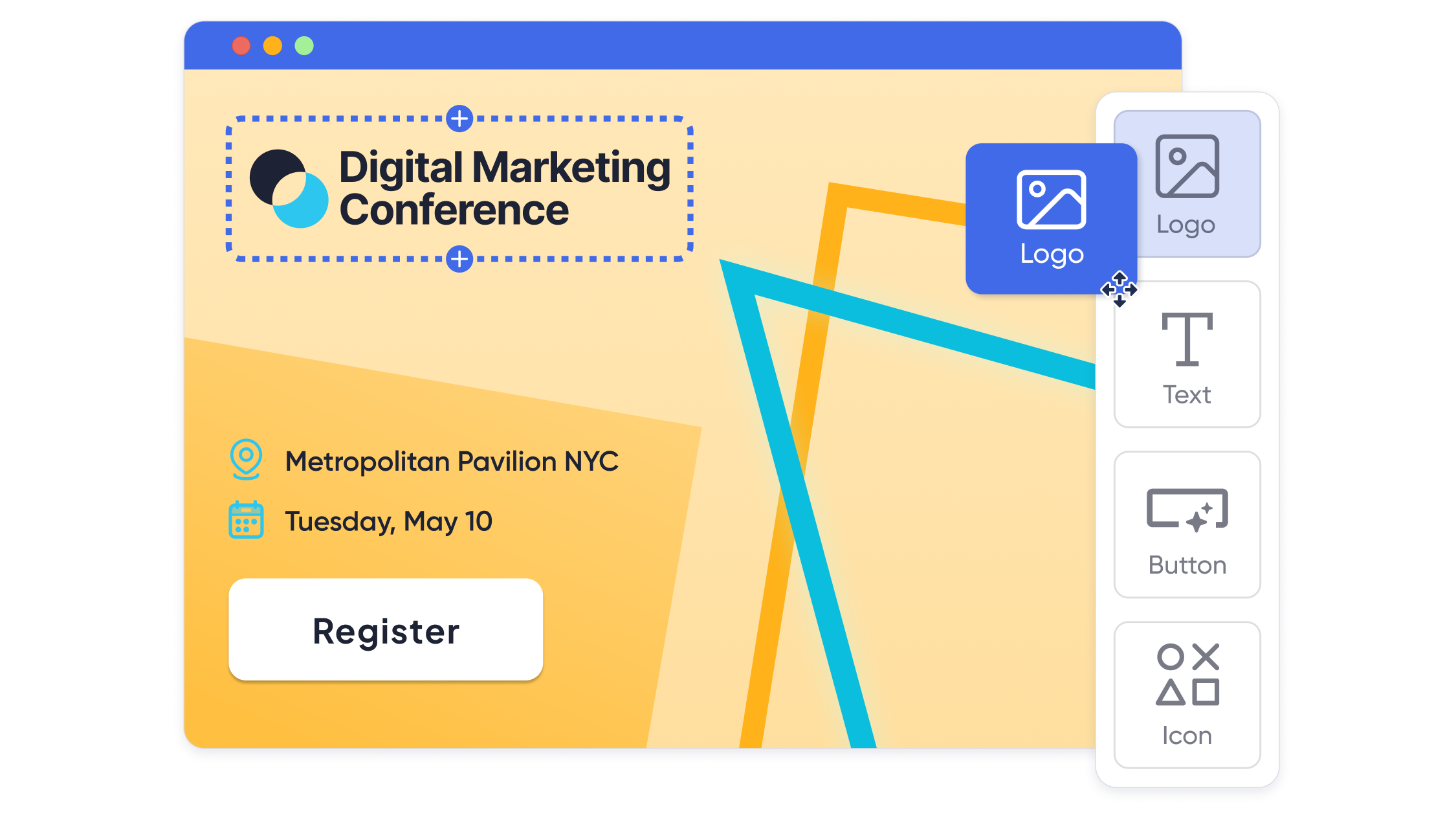
- Configure colors, typography, and imagery so the registration page feels like an extension of your main site, not a generic form.
- Use conditional questions and smart form logic to keep the event registration flow short and relevant to each attendee profile.
Emails and confirmations
- Standardize subject line formulas and preview text so invites are recognizable at a glance.
- Build a small library of branded email templates for different stages instead of starting from scratch each time.
- Include consistent header imagery and clear, on brand calls to action.
Calendar and reminder touchpoints
- Use descriptive, branded event titles in calendar invites.
- Add branded location names for onsite and virtual rooms.
- Make sure reminders and add to calendar flows come from a recognizable sender identity.
If your platform supports it, let attendees choose their own email preferences and language settings so your branding feels respectful and personal instead of noisy.
Step 4: Bring your brand to life on site
On site is where branding mistakes are loudest and where you can make the biggest impression when everything feels coordinated.
Check in and badging
- Match kiosk and tablet backgrounds to your event colors and typography.
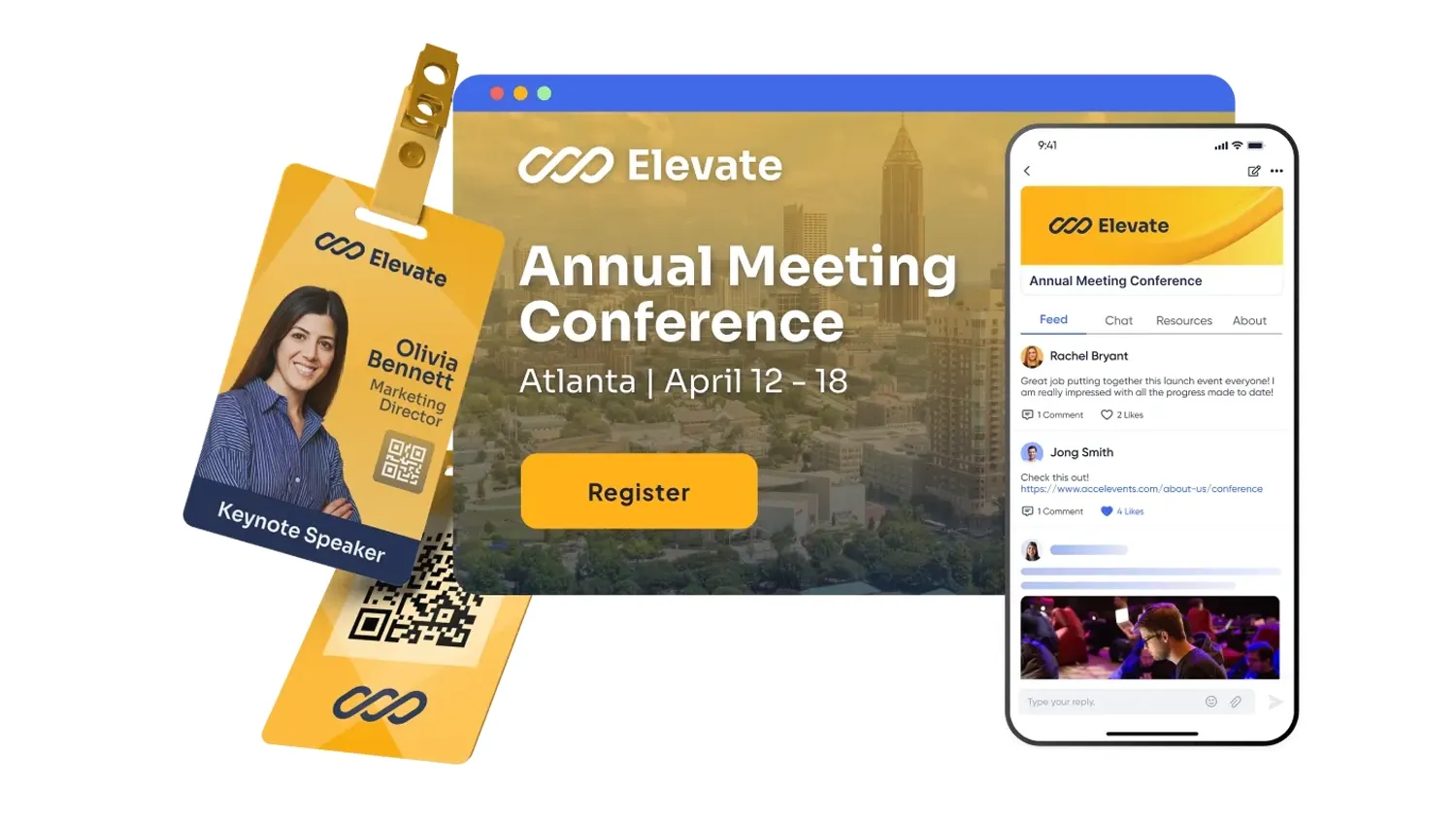
- Design badges so the brand is clear but still leaves space for names and important metadata like role or company.
- Use QR codes on badges not just for access control but as a branded bridge into your mobile app and lead capture flows.
Signage and wayfinding
- Keep directional signage consistent with your digital design system.
- Use clear icons and simple copy that matches how you name rooms and sessions on your site and in your app.
- For large enterprises and associations, think of signage as part of your safety and accessibility story, not just decoration.
Session and stage design
- Standardize templates for keynote, plenary, and breakout sessions so speakers are not inventing their own visual language.
- Give speakers a lightweight brand kit and example slides to keep things consistent without feeling restrictive.
- Align video intros, walk in music, and holding slides with your broader brand tone.
Step 5: Extend branding into networking, sponsors, and exhibitors
Branding is not only what your organization puts on the screen – it is also how you structure the experience around sponsors, exhibitors, and networking.
- Mobile app: apply your theme across icons, menu labels, and home screen widgets so attendees immediately recognize they are “still in your world,” whether they are checking their agenda or messaging peers.
- Sponsor placements: define a clear hierarchy for where sponsor branding appears (hero banners, session interstitials, lounges) so partners feel visible without overpowering your brand.
- Exhibitor tools: make sure your lead capture tools, digital booths, and meeting booking flows carry your look and feel, while still giving exhibitors room to showcase their own identity.
- Gamification and networking: brand leaderboards, quests, and lounges so engagement feels like part of the event narrative, not a bolt on mobile game.
Step 6: Use analytics to refine your brand across events
Once the event is over, look at your data with branding in mind:
- Do branded registration pages convert better than generic ones?
- Which email templates drive the most engagement?
- Which sponsor placements deliver meaningful clicks or meetings without harming NPS?
- Are certain segments less likely to use your mobile app or visit key pages?
Modern event platforms increasingly offer dashboards for real time and cross event reporting, plus exports that plug straight into business intelligence tools.
That insight lets you refine your templates and brand guidelines for the next conference, tradeshow, internal summit, or continuing education event.
Where Accelevents can benefit enterprises and associations
This is where a platform like Accelevents comes in handy. Accelevents is a modern, enterprise ready event management platform that serves 1,847 customers who need speed and reliability across in person, hybrid, and virtual programs.
Accelevents bridges complex enterprise features and ease of use, delivering a balanced, highly customizable, all in one event solution. Built on one consistent data model across registration, onsite, mobile, and virtual, creating a seamless experience for event organizers, attendees, exhibitors, and speakers.
On the branding side, Accelevents lets you set up branded event registration pages and full event websites in minutes, apply your theme across a configurable attendee mobile app, and extend your look and feel into live check in, badge printing, and virtual content hubs. That same platform also handles lead capture, CE credit tracking, call for papers workflows, and exhibitor portals, so you are not trying to stitch together five different brand experiences.
Support and partnership matter just as much as features. Accelevents invests in customer success programs and a support team that responds in less than 21 seconds, 24/7, which is especially helpful when your team is on site and cannot afford delays.
Highlights enterprises and associations care about
- Consistent branding from first click to badge scan – configure colors, fonts, and logos once, then carry them across websites, registration forms, emails, mobile, and onsite kiosks.
- White label web and mobile experiences – remove Accelevents branding and create a fully on brand environment for sponsors, members, and employees across web, app, and virtual venues.
- Deep integrations without extra fees – connect Salesforce, HubSpot, Marketo, and association management systems so your event data and branding logic flow into your main marketing stack.
- Built in lead capture and exhibitor tools – give exhibitors mobile lead scanning, meeting booking, and ROI reporting that align to your overall brand, without per user add ons.
- CE credits and certificates that still feel on brand – automate credit assignment and certificate generation while keeping layouts aligned with your visual identity.
- Security and compliance you can put in front of IT – SSO, MFA, and modern certifications like SOC 2 and ISO 27001 help your brand look serious about data protection.
If you are running a portfolio of events for enterprises, associations, and other audiences, the ability to reuse branded templates and workflows in a single platform can remove a lot of friction.
Vendor by vendor: how key competitors handle branding
Below is a quick, branding specific snapshot of the main competitors you are likely to see in your RFPs.
Cvent
What enterprises and associations get: A long standing event management suite with strong registration, venue sourcing, and mobile app options, plus the ability to configure detailed attendee types and pricing.
Good to know: Branding control is powerful but can require specialist admins to configure, and concepts like “admission items” and registration types introduce extra complexity for teams that run many smaller events.
Bizzabo
What enterprises and associations get: A portfolio focused platform with strong experiential features, wearables, and an event operating system approach that supports multi event branding.
Good to know: Some teams find they still need additional tools for onsite workflows or complex exhibitor programs, which can make it harder to standardize branding end to end.
Stova
What enterprises and associations get: A combined platform that grew from multiple products, giving access to a broad range of capabilities for registration, content, and engagement.
Good to know: Because it is the result of several acquisitions, there can be different branding and configuration patterns across modules, so you will want to test how consistent the attendee experience really feels.
Swoogo
What enterprises and associations get: A registration led platform that shines at building branded forms and event sites, with strong control over fields and flows for marketing driven teams.
Good to know: You may still rely on separate vendors for onsite check in, badging, or native mobile apps, which means more work to keep your branding aligned across tools.
RainFocus
What enterprises and associations get: A data heavy platform built for very large, complex conference programs where global brands want deep personalization and analysis across portfolios.
Good to know: RainFocus tends to fit organizations that are comfortable with higher costs, certification style training, and a more complex configuration model, so it can be more than many mid sized teams need for branding control alone.
vFairs
What enterprises and associations get: A virtual first and hybrid solution known for immersive 3D style environments and branded virtual lobbies.
Good to know: If most of your volume is in person conferences and tradeshows, you may find yourself leaning on additional onsite tools, which can make it harder to keep web, mobile, and physical branding aligned.
Demo and proof of concept checklist for branding control
When you get to demos, do not settle for a generic tour. Ask each vendor to walk through specific scenarios tied to branding and attendee touchpoints.
Here is a checklist you can use:
- Website and registration
- Show how to configure colors, fonts, and logos on an event site and registration form.
- Show how to customize labels, navigation, headers, and footers.
- Emails and notifications
- Build a branded confirmation email during the demo.
- Prove how templates can be shared and reused across multiple events.
- Mobile app
- Show how the mobile app theme is configured and how quickly changes appear in the live app.
- Confirm that session lists, favorites, and profiles stay visually consistent between web and app.
- Onsite check in and badging
- Customize a badge layout on screen and print a sample.
- Change kiosk branding and show how that publishes to devices.
- Sponsorship and exhibitor placements
- Walk through how to add sponsor banners, carousels, and ads to specific pages without overwhelming the core brand.
- Show exhibitor listings and lead capture flows in both web and app, including branding options for exhibitors.
- Analytics and exports
- Demonstrate user activity reports that help you understand which branded touchpoints drive engagement.
- Confirm how event data flows into your CRM or marketing systems.
- Governance and access
- Show how different roles (central marketing vs event team vs agency) can work in the same event without accidentally breaking core branding.
If a vendor cannot easily show these flows in a live environment, that is a useful signal about how branding will feel when your team is under pressure.
Putting it together
Customizing event branding across attendee touchpoints is part strategy, part design system, and part technology choice. When you map your attendee journey, define reusable brand components, and then pick platforms that keep everything in one consistent data model, your events start to feel cohesive rather than cobbled together.
The right platform should let you brand web, mobile, onsite, and virtual experiences without needing a small army of developers. Just as important, your team should be able to prove that better branding is driving real outcomes, from higher conversion to stronger sponsor value.
If you want to see how an all in one platform can support that kind of end to end branding control, you can always request a demo and pressure test it against your next flagship event.
FAQs: customizing event branding across attendee touchpoints
Is Accelevents or Cvent better for branding a global enterprise conference across web, mobile, and onsite touchpoints?
Both Accelevents and Cvent can support large, branded conferences, but Accelevents focuses more on giving marketing teams direct control over branding across registration, websites, mobile, and onsite, without requiring specialized admins. Cvent is often chosen when organizations already have deep internal expertise and want tight integration with existing corporate processes.
How do event data integrations affect branding consistency across attendee touchpoints?
Strong integrations help you keep branding and personalization aligned, because attendee data and preferences can flow cleanly between your event platform, CRM, and marketing tools. Accelevents, for example, offers native connectors to Salesforce, HubSpot, Marketo, and association systems so you can reuse segments, content rules, and journeys instead of recreating them by hand.
What should I look for in analytics to see if my branding is working?
Look for platforms that provide cross event reporting on page views, conversions, app engagement, and sponsor interaction, ideally broken down by segment and channel. With that level of reporting, you can compare how different designs and placements perform over time and tie branding decisions to registrations, session attendance, and pipeline.
How can I keep sponsor and exhibitor branding strong without overwhelming my own brand?
The key is to choose tools that support structured sponsorship placements and exhibitor portals, rather than ad hoc logos scattered everywhere. In Accelevents, for example, you can define clear sponsor tiers, placements, and exhibitor assets within a consistent UI, so partners feel visible while your primary brand still frames the overall experience.
What should I ask in a demo to check mobile app branding specifically?
Ask vendors to show, live, how they configure app colors, icons, home screen widgets, and navigation, and how quickly those changes publish to production. You should also see how agendas, favorites, profiles, and messaging screens inherit your theme so the app does not feel like a generic container with your logo simply added to the splash screen.