What counts as an event website builder in 2025?
When we talk about “event website builders” in 2025, we are not just talking about pretty landing pages. A true event website builder is part of your event tech stack, connecting your marketing site, event registration, agenda, speakers, exhibitors, and analytics in one flow. It should help you design pages without code, move data cleanly into your CRM and marketing tools, and update schedules or speakers in real time when plans change. The best tools in this category sit on top of an event management platform, so your website is always in sync with check in, badge printing, mobile apps, and virtual experiences.

For this guide, we evaluated builders on six core dimensions:
- Ease of use for non technical teams
- Design and brand control, including white label options
- Registration, ticketing and conversion tools
- Integrations, API and underlying data model
- Analytics and reporting depth
- Scalability, pricing model, and quality of support
The seven platforms below all check those boxes in different ways. The key is matching the tool to your event mix, budget, and internal resources.

Where Accelevents can benefit enterprises and associations
Accelevents is a modern event management platform built on one consistent data model across registration, onsite, mobile, and virtual, so data flows cleanly between your website, check in, mobile app, and reporting. That matters for busy event organizers who need everything to “just work” without stitching together five different tools.
The platform serves 1,847 customers across enterprises, associations, and others including agencies, mid market corporations, and nonprofits, with a sweet spot in conferences, trade shows, fundraisers, internal meetings, and continuing education events. It is designed to bridge complex enterprise features and ease of use in a single, highly customizable solution.
You can spin up an event website in three ways:
- Start from conversion focused templates tailored to conferences, trade shows, internal events, and more.
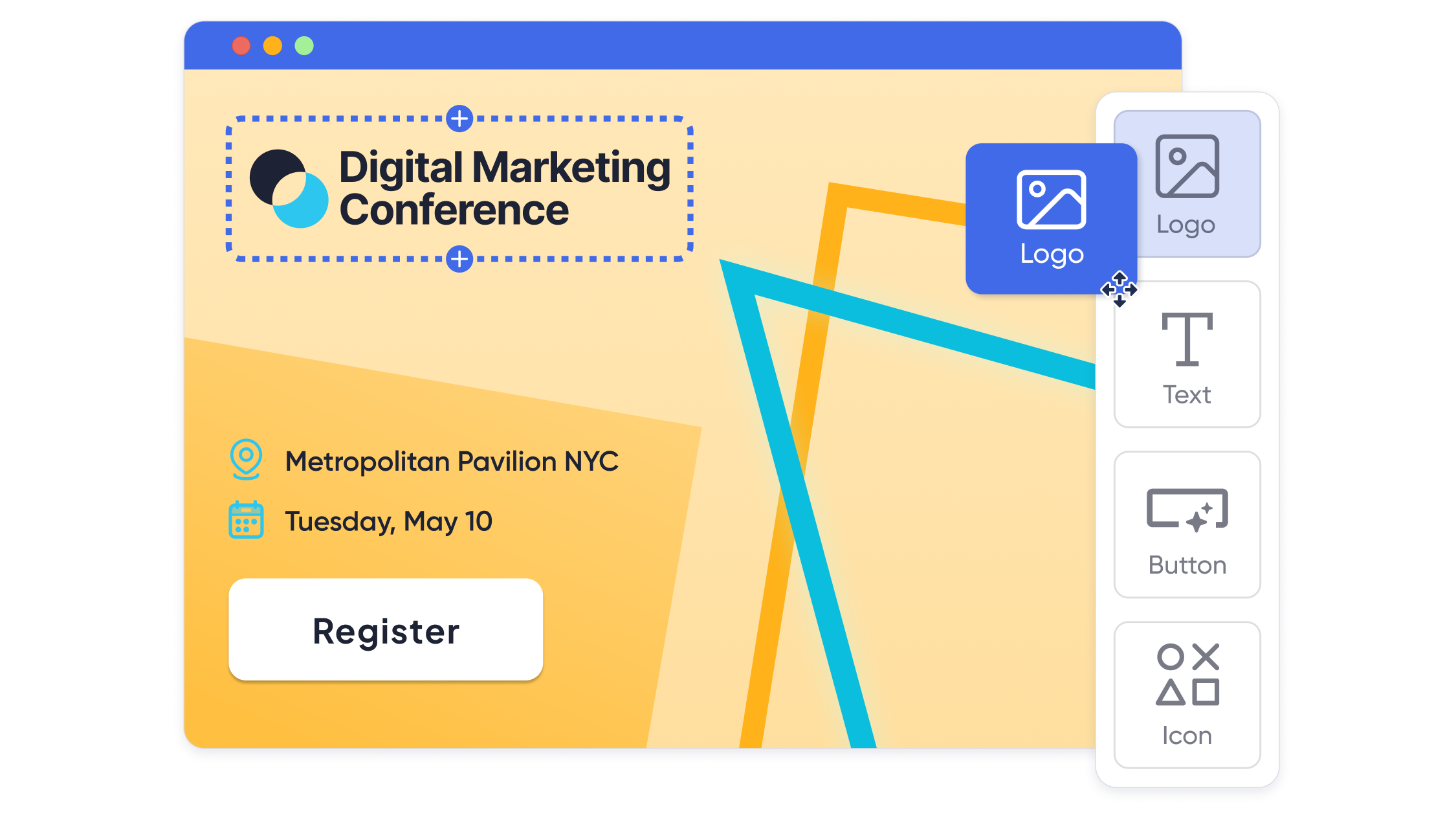
- Design pages in a drag and drop event website builder with layout control, reusable sections, and component level visibility rules.
- Go deeper with custom CSS and JavaScript for full control of layouts and interactive elements when you have internal design resources.
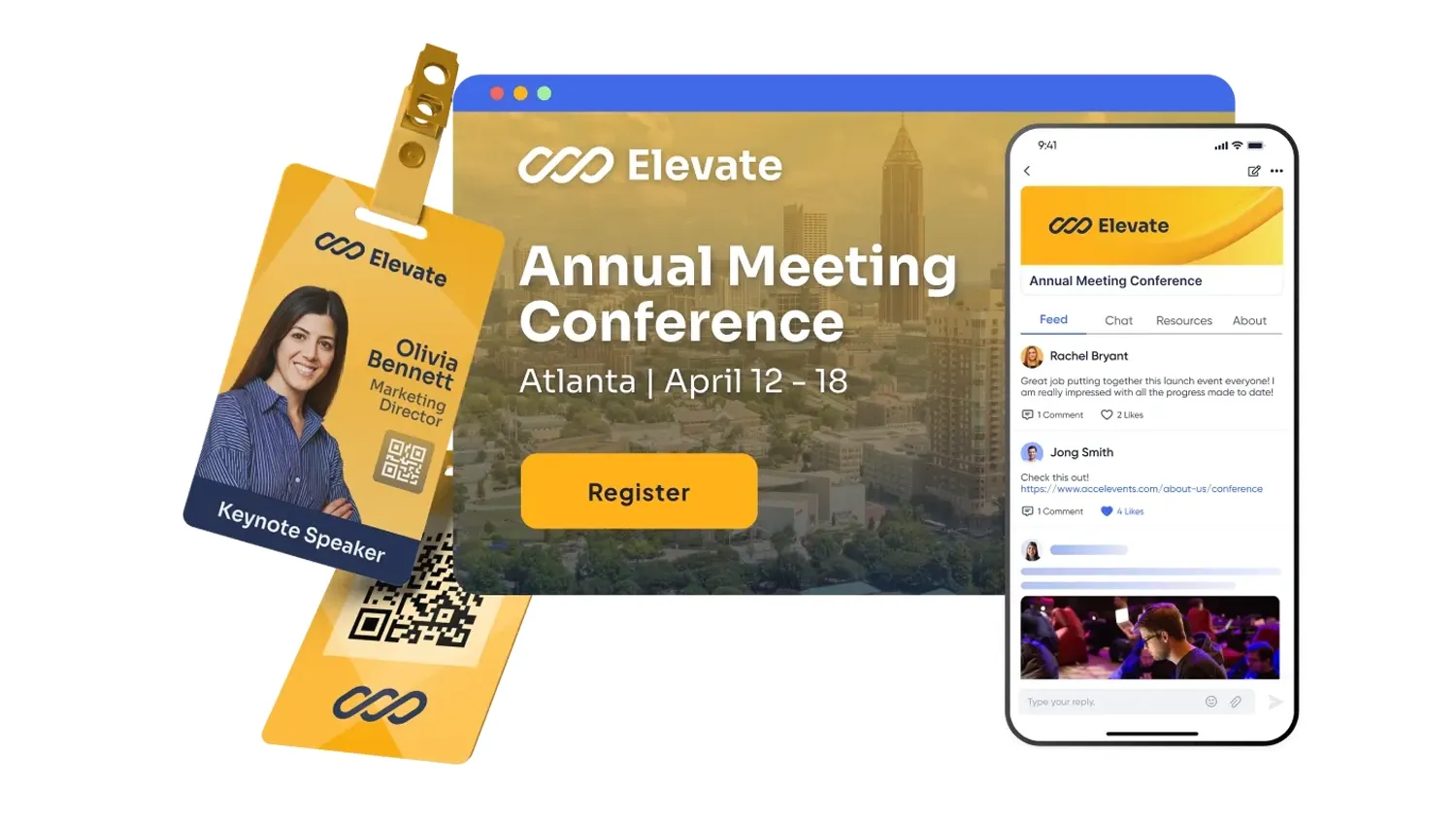
Branding goes well beyond colors and logos. You can run full white label experiences across web, mobile, and the virtual hub, use your own domain, and keep the platform name out of attendee facing screens when that matters for sponsors or member audiences.
On the data side, Accelevents offers no fee native integrations plus public REST APIs and webhooks, with deep connectors into Salesforce, HubSpot, Marketo, and common association systems. There are no add on charges just to turn on integrations, which helps keep TCO predictable.
Highlights event planners care about
- Registration and ticketing built to convert
- Drag and drop pages, forms, and badges plus one click forms for simple flows.
- Unlimited ticket types, discount codes, and reusable templates so you can mirror real world pricing rules.
- Ticket bundles and group flows that make it easy for teams to register together while still capturing individual data.
- Unified analytics you can actually share
- Real time dashboards across registration, onsite, mobile, and virtual.
- Shareable reports so sales, sponsors, or leadership can see performance without asking you to export spreadsheets.
- Exhibitor and sponsor revenue tools
- Exhibitor management to run digital booths, lead capture, meeting booking, and ROI reports from one place.
- Built in lead capture with unlimited users, QR scanning, notes, and integrated meeting scheduling.
- Content and education workflows
- Native call for papers and abstract management with multiple submission paths, auto reviewer assignment, and a speaker portal with tasks.
- CE credit tracking with automated credits, instant certificates, self service retrieval, and LMS integration.
- Security, governance, and branding control
- Custom roles, SSO, SOC 2 and ISO 27001 practices, plus detailed audit logging for enterprises with strict compliance needs.
Accelevents is known for reliability in reviews, and teams highlight a support team that responds in less than 21 seconds, 24/7, backed by a hands on customer success model rather than self service only help docs.
What enterprises and associations get
A website builder tightly connected to registration, onsite, mobile, and virtual, so you can run multi day conferences and trade shows on one system instead of patching tools together.
Good to know
Pricing uses transparent, modular packaging with no surprise add ons for integrations or APIs, which makes it easier to grow into additional use cases over time.
Other top event website builders in 2025
Below are six more platforms that appear frequently in shortlists when teams look at event management plus website creation. We are focusing on Cvent, Bizzabo, Stova, Swoogo, RainFocus, and vFairs as they show up consistently in the competitive landscape.

Cvent
What larger corporate teams get
Cvent offers a mature event marketing and management suite with a site builder, email tools, venue sourcing, and deep registration workflows that appeal to complex portfolios.
Good to know
Cvent has grown largely through acquisitions, and reviews often mention that different components can feel like separate products, with certification training commonly needed to navigate the system at expert level. Pricing is typically on the higher side, and smaller teams sometimes find the configuration options complex for simple meetings.

Bizzabo
What experiential marketing teams get
Bizzabo positions itself as an “event experience OS,” combining registration, a website builder, mobile experiences, and smart wearables for tracking engagement. It is attractive for marketers who want integrated data across their event portfolio.
Good to know
User feedback often highlights a rich feature set that can take time to configure, plus limits around customizing some components without vendor services. As with many all in one suites, you should validate registration flows, sponsor deliverables, and analytics outputs in a live demo with your own scenarios.

Stova
What global programs get
Stova, which combines technology from multiple acquired platforms, targets organizers running large conferences and exhibitions, with tools for registration sites, session scheduling, and onsite services.
Good to know
Because the platform is the result of several acquisitions, reviews suggest that not every module feels equally integrated, and teams often rely on Stova specialists to configure complex builds. It suits organizations prepared to invest time in onboarding and governance.

Swoogo
What lean teams get
Swoogo focuses heavily on giving marketers control of their own event sites, with a drag and drop builder, registration, and email that work well for recurring field events and mid sized conferences.
Good to know
Registration and ticketing are a strength, but some planners report needing additional tools for exhibitors, lead capture, or CE tracking, so it often ends up as the core of a multi vendor stack rather than the only system. Make sure to test how your CRM and marketing tools connect in your proof of concept.

RainFocus
What global enterprises get
RainFocus is aimed squarely at the world’s largest companies, unifying websites, registration, content, and analytics across very large event portfolios. It shines when you need consistent data structures across dozens of events per year.
Good to know
The platform is intentionally complex and is usually paired with certification training and dedicated internal power users. Licensing and implementation costs tend to be high, which is why it is most common in large enterprises with long term, multi event strategies.

vFairs
What mixed format events get
vFairs is well known for virtual and hybrid environments, but it also offers tools to build registration pages and event sites for in person programs, with 3D style experiences when you need them.
Good to know
Many teams use vFairs primarily for virtual or hybrid components while keeping other tools for registration or onsite logistics. When you evaluate it as an event website builder, pay close attention to how its forms, branding, and analytics align with the rest of your tech stack.
Checklist for demos and proofs of concept
When you book demos with any event website builder, bring a short checklist so you stay in control of the conversation, not the slide deck.
Use this list as your baseline:
- Replicate one of your real events
- Ask vendors to build a simple version of a past agenda, registration flow, and sponsor layout using your actual data.
- Walk through a full attendee journey
- From landing page to ticket purchase, confirmation email, calendar invite, and onsite check in or virtual hub access.
- Test brand and white label settings
- Confirm how domains, logos, navigation labels, and system emails can be changed without vendor involvement.
- Verify integrations end to end
- Push a test registration into your CRM and marketing system, then confirm fields, consent, and campaign tracking look right.
- Open up analytics live
- Have the vendor show real time dashboards while you submit registrations, and check how easy it is to share reports with sponsors or leadership.
- Ask about roles, security, and approvals
- Clarify how admin roles work, how SSO is configured, and what audit logs or export controls are available.
- Dig into pricing and scope
- Get clear on what is included, what counts as an add on, and which modules you can defer until phase two to stay on budget.
Putting it together
Choosing among these seven event website builders comes down to how many events you run, how specialized your requirements are, and how much internal capacity you have to manage a complex platform. If you want a single system to power registration sites, onsite, mobile, and virtual for enterprises and associations without sacrificing usability, Accelevents is designed to sit in that middle ground between lightweight tools and heavyweight enterprise stacks.
If you already have a mature tech ecosystem and a large internal team, Cvent, RainFocus, or Stova can make sense for highly standardized global programs. For marketing led teams that prioritize speed and easy site creation, Swoogo, Bizzabo, or vFairs might align better. The important thing is to shortlist two or three contenders, run a realistic proof of concept, and score them against the same criteria.
Whichever platform you choose, make sure your event website builder is not just beautiful but connected, measurable, and easy to iterate as your event strategy evolves. And when you are ready to see a unified website, registration, and analytics flow in action, you can always request a demo to explore how Accelevents can simplify your event management process.
FAQs about event website builders in 2025
1. What makes an event website builder different from a regular website platform?
An event website builder connects your marketing site directly to tickets, forms, agenda, speakers, exhibitors, and analytics, instead of just giving you static pages and generic forms. It keeps data in sync across registration tools, check in, mobile apps, and virtual hubs, so updates to sessions or speakers flow everywhere automatically. Platforms such as Accelevents plug your website into the rest of your event stack so you are not manually stitching tools together behind the scenes.
2. Can I run my event website on WordPress, Wix, or Squarespace without event software?
You can, but you will usually bolt on separate tools for ticketing, payment processing, check in, email, and analytics, then spend time reconciling data. That setup can work for a one off meetup, yet it tends to break down as you add multiple ticket types, sponsors, or continuing education credits. Using an event platform like Accelevents, Cvent, or Swoogo means your website, registration flows, confirmations, and reports all live in one system.
3. How much do event website builders typically cost in 2025?
Pricing ranges from lightweight tools with simple monthly fees to enterprise suites that use annual licenses tied to event volume and feature bundles. Some vendors add per registration, per exhibitor, or per integration charges that only show up after you scale. When you compare Accelevents and other vendors, ask for a full breakdown of licenses, implementation, integrations, onsite services, and any overage fees so larger conferences and trade shows do not blow past your budget unexpectedly.
4. How do Accelevents and Cvent compare for large conferences with exhibitors and CE credits?
Both Accelevents and Cvent can support multi day conferences and trade shows that need exhibitor portals, complex pricing rules, and continuing education workflows. Cvent often appeals to very large, highly standardized portfolios but usually requires more specialized training and longer onboarding for teams. Accelevents is designed for enterprises and associations that want enterprise grade features with faster setup, unified data, and modern lead capture without feeling locked into a heavyweight global stack.
5. How important are CRM and marketing integrations when choosing an event website builder?
Integrations are critical because your event website is only one touchpoint in the customer journey. At minimum, you will want clean connections to your CRM and marketing automation platforms so registrations, attendance, and engagement data flow into the right records and campaigns automatically. Ask each vendor, including Accelevents, to demo a real integration using your fields and consent settings, and confirm that there are no extra fees just to turn on the APIs or native connectors you depend on.
6. What should I look for in analytics and reporting from an event website builder
Look for real time dashboards that combine registration performance, onsite scans, mobile app engagement, and virtual participation where relevant, not separate reports in different systems. It should be easy to create and share sponsor reports, leadership summaries, and cross event comparisons without exporting endless spreadsheets. Platforms like Accelevents, RainFocus, and Stova emphasize portfolio level reporting, so use your demo to check how quickly you can answer simple questions like “Which sessions drove the most qualified leads this year compared to last?”